
Post to Vinted in One Click
Stop wasting time copying and pasting. The SharkScribe browser extension automatically fills Vinted listing forms with your AI-generated drafts — title, description, and images. List items in seconds instead of minutes.
Premium feature · Free to install · Works with Vinted
What Does the Extension Do?
Without the Extension
- ✗ Manually copy title from SharkScribe
- ✗ Switch tabs, paste into Vinted
- ✗ Go back, copy description
- ✗ Switch tabs again, paste description
- ✗ Download images, re-upload to Vinted
- ✗ Repeat for every single item...
per listing
With the Extension
- ✓ Go to Vinted website in your browser
- ✓ Click the extension, select your draft
- ✓ Click "Post to Vinted" — form filled automatically!
The extension opens the listing page and fills in the title, description, and images. Just review and submit.
per listing
Currently Supported Platforms
The extension currently supports Vinted. More marketplaces are coming soon!
Vinted
Works on all Vinted domains (vinted.com, vinted.fr, vinted.pl, etc.)
More Coming
eBay, Allegro, Facebook Marketplace, and more
How to Install the Extension
Get started in just a few clicks. The extension is free to install from the Chrome Web Store.
Install from Chrome Web Store
Click the button below to open the Chrome Web Store page. Then click "Add to Chrome" to install the extension.
Open Chrome Web Store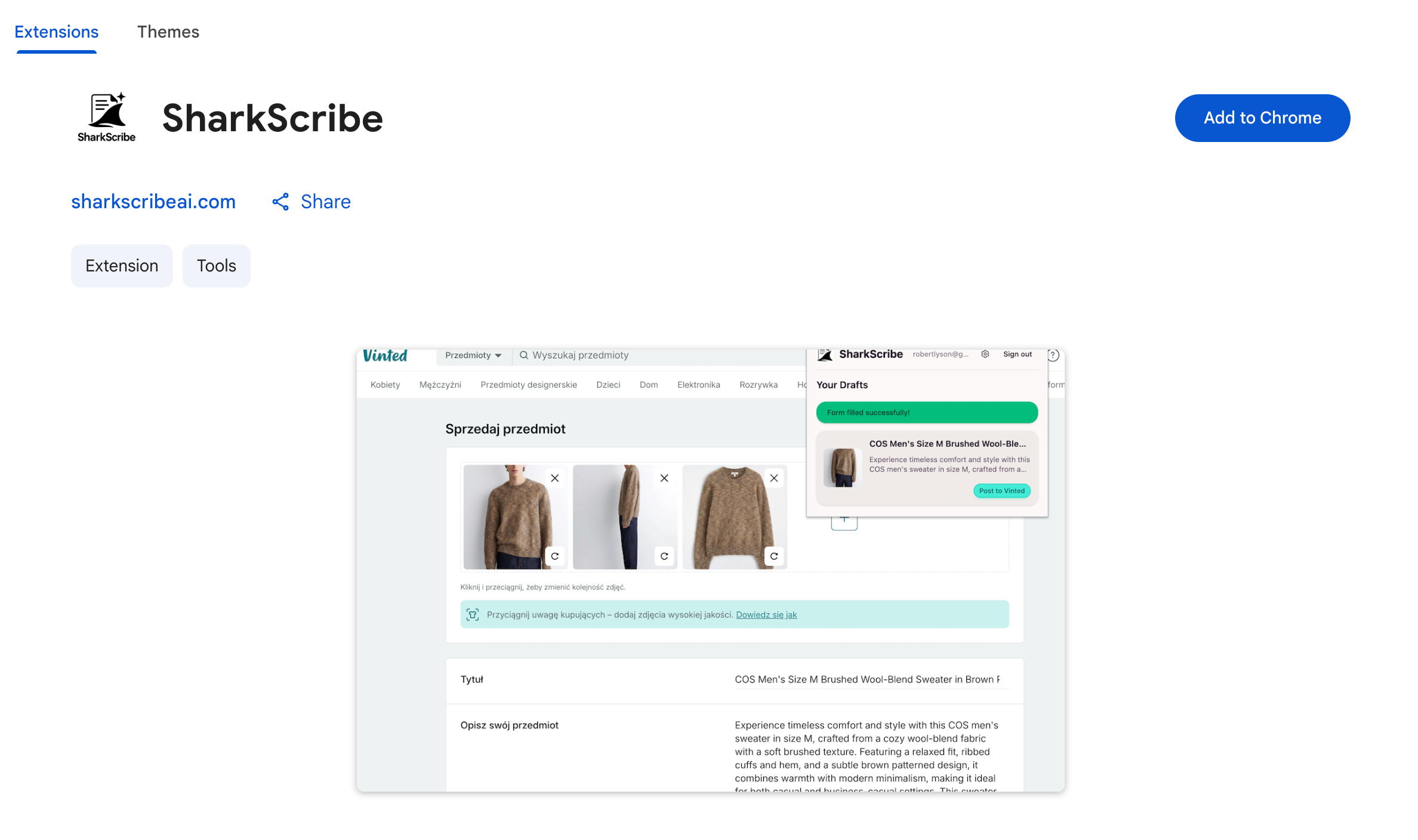
Click "Add to Chrome" on the extension page
Sign In with Your SharkScribe Account
Click the SharkScribe extension icon in your browser toolbar and sign in with your existing SharkScribe account. This connects the extension to your saved drafts.
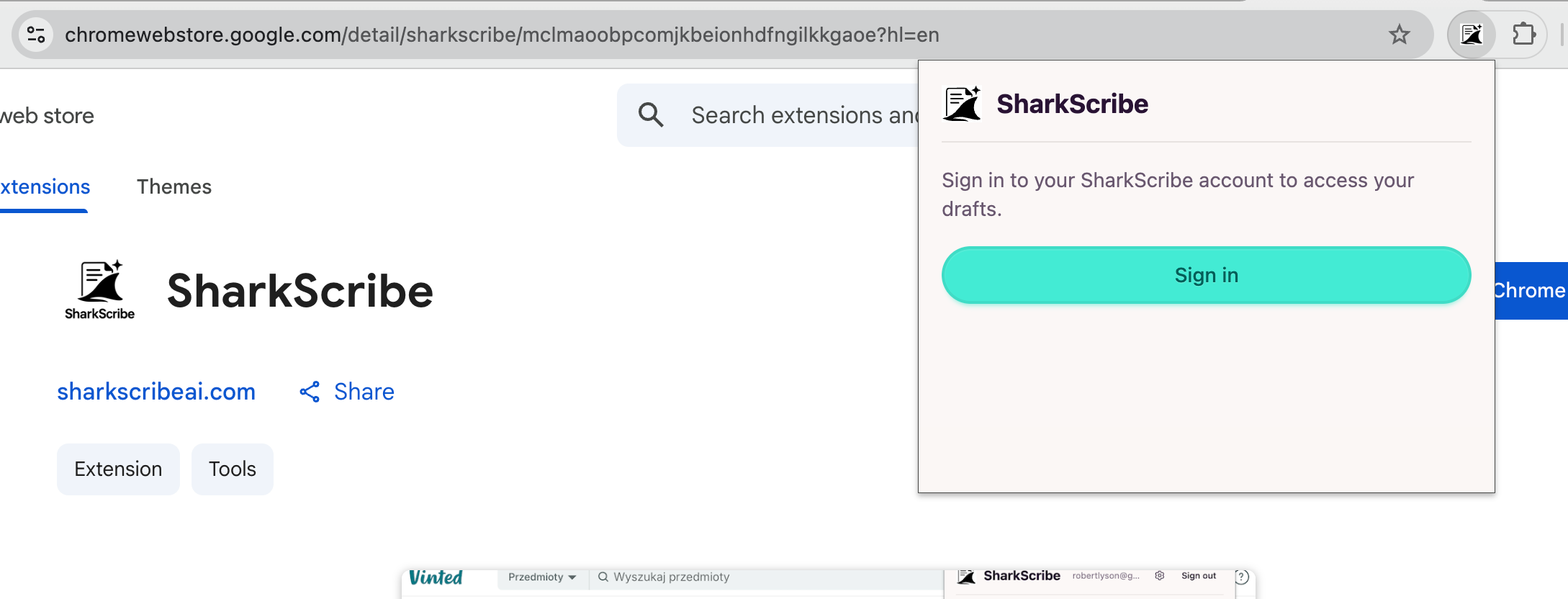
Sign in to access your drafts
How to Post to Vinted Using the Extension
Once installed, posting to Vinted becomes incredibly fast. Here's the complete workflow.
Create a Draft in SharkScribe
First, go to app.sharkscribeai.com and create a product description using AI. Upload your product photos and click generate — the AI will create a compelling title and description, and a draft is saved automatically.
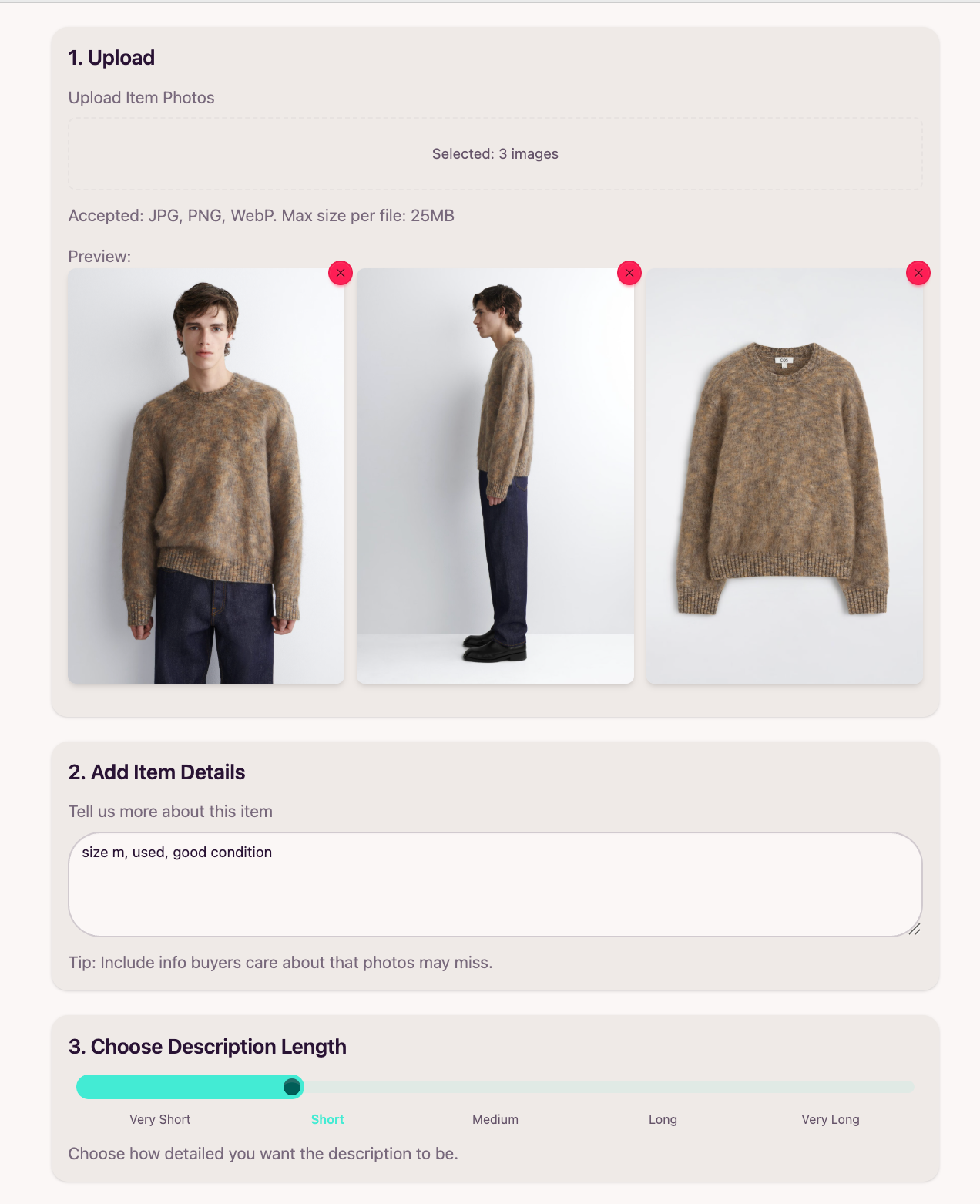
Drafts are saved automatically after generating
Go to Vinted Website
Open Vinted website in your browser (vinted.com or your local Vinted domain like vinted.fr, vinted.pl, etc.). Note: The extension works only with the Vinted web app, not the mobile app. You can be on any Vinted page — the extension will handle the rest.
Click the Extension and Select Your Draft
Click the SharkScribe extension icon in your browser toolbar. You'll see a list of all your saved drafts. Find the one you want to post and select it.
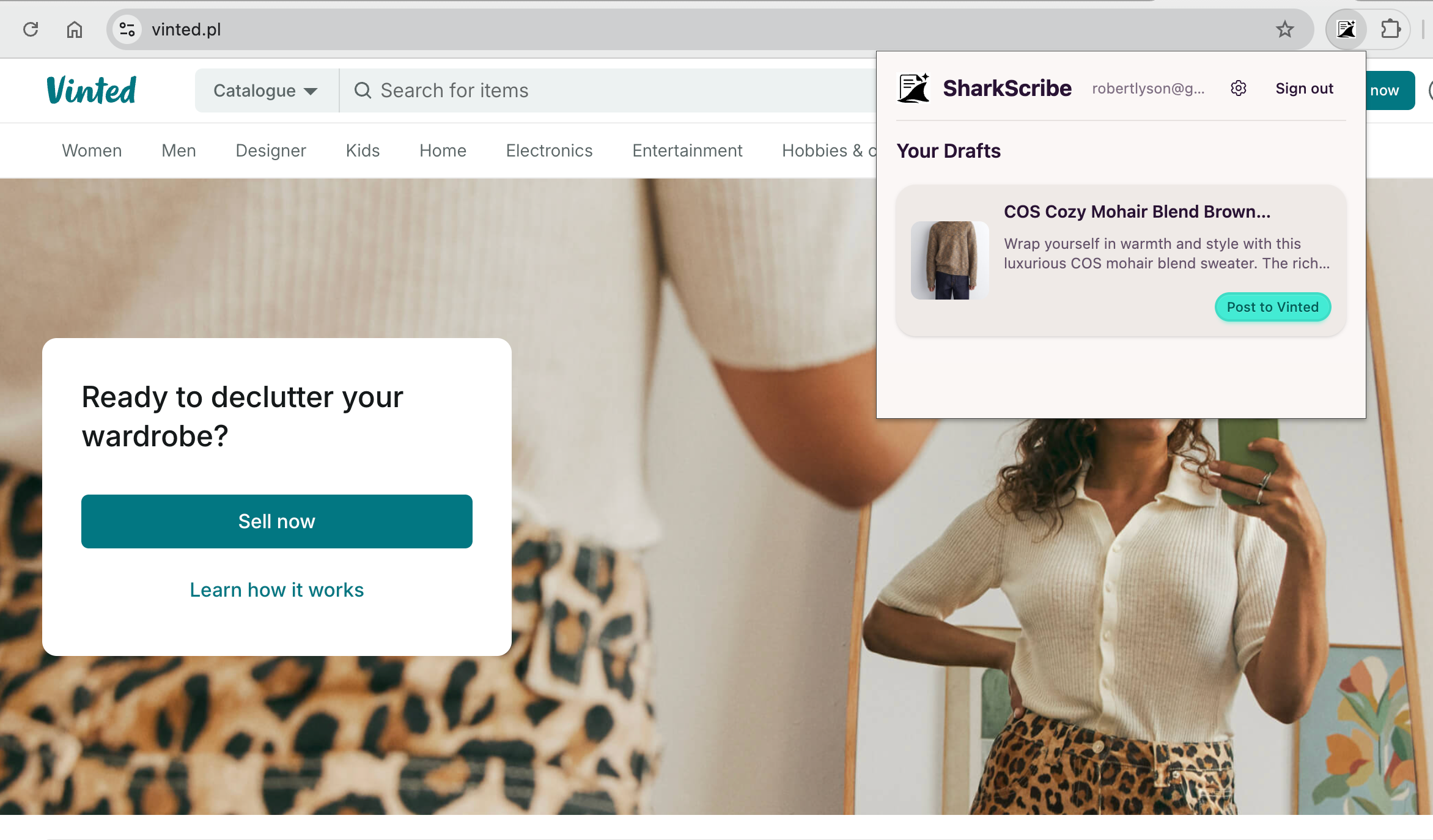
Select the draft you want to post
Click "Post to Vinted" and Review
Click the "Post to Vinted" button. The extension will automatically navigate to Vinted's "Sell an item" page and fill the form with your draft's title, description, and images. Review the filled content, make any final adjustments, and submit your listing!
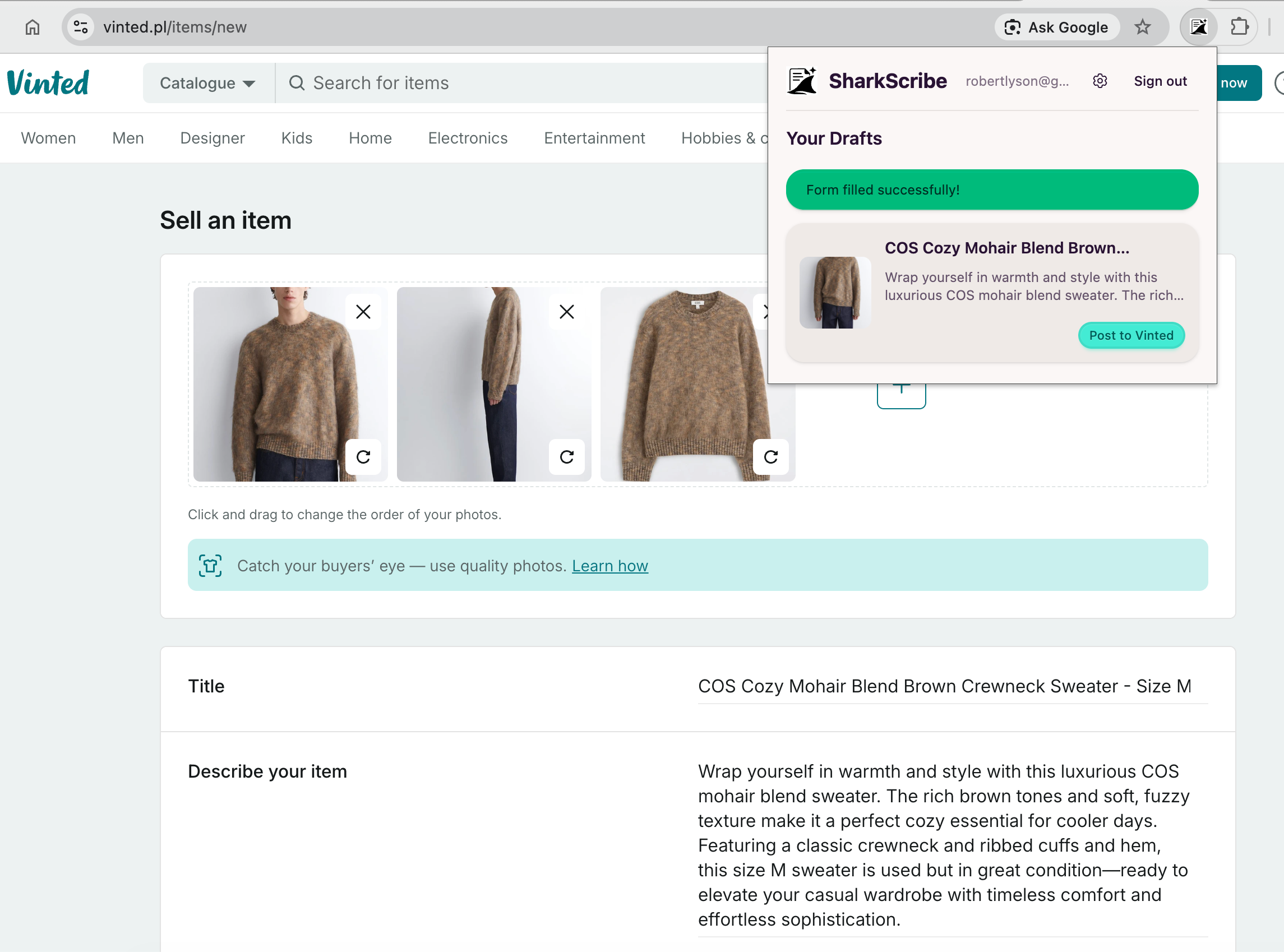
The listing page opens with the form filled — just review and submit
Extension Features
One-Click Form Filling
No more switching tabs and copy-pasting. Select a draft and click fill — the entire form is populated instantly.
Automatic Image Upload
Images from your draft are automatically uploaded to the Vinted listing. No manual downloading and re-uploading needed.
Secure Authentication
Sign in securely with your SharkScribe account. Your data stays safe and private.
Access All Your Drafts
All your SharkScribe drafts are available directly in the extension popup. Browse and select without leaving Vinted.
Batch Listing Ready
Perfect for sellers with multiple items. Create drafts in batch, then post them to Vinted one after another in seconds.
All Vinted Domains
Works on all Vinted country domains: vinted.com, vinted.fr, vinted.pl, vinted.de, vinted.es, vinted.it, and more.
Frequently Asked Questions
The extension itself is free to install. However, to use it you need a SharkScribe Premium subscription. Premium gives you access to the extension plus unlimited generations, custom styles, and more.
Currently, only Google Chrome is supported. We're working on support for Firefox, Edge, and Safari. Stay tuned for updates!
Currently, the extension supports Vinted only. We're actively working on adding support for eBay, Allegro, Facebook Marketplace, and more. If you'd like to request a specific marketplace, please submit your feedback.
Yes, the extension fills forms from drafts you've created in SharkScribe. Go to app.sharkscribeai.com, upload product photos, and click generate. A draft is created automatically — then you can use the extension to post it to Vinted.
You need to be on any Vinted page first (just go to vinted.com or your local Vinted domain). Once you're on Vinted, click the extension and select a draft. When you click "Post to Vinted", the extension will automatically open the "Sell an item" page and fill in the form for you.
Yes. The extension only accesses your SharkScribe drafts through secure authentication. We don't store your Vinted credentials or access your Vinted account. The extension simply fills out the form on the page — you still submit the listing yourself.
The extension fills the title, description, and images fields from your SharkScribe draft. Other fields like price, category, size, and condition still need to be filled manually (for now).
Ready to List 10x Faster on Vinted?
Install the SharkScribe browser extension and start posting items in seconds instead of minutes. Save hours of tedious copy-pasting every week.
Install from Chrome Web StorePremium feature · Free to install · Works with Vinted